
AudioPLUS
Interested in this product?
Request informationAudio file management, automation and playout system
AudioPLUS is the most advanced automation, management and broadcasting system for professional radio broadcasting. It offers adaptable features to the real needs of small, medium and large radio stations. It works with any manufacturer sound cards.
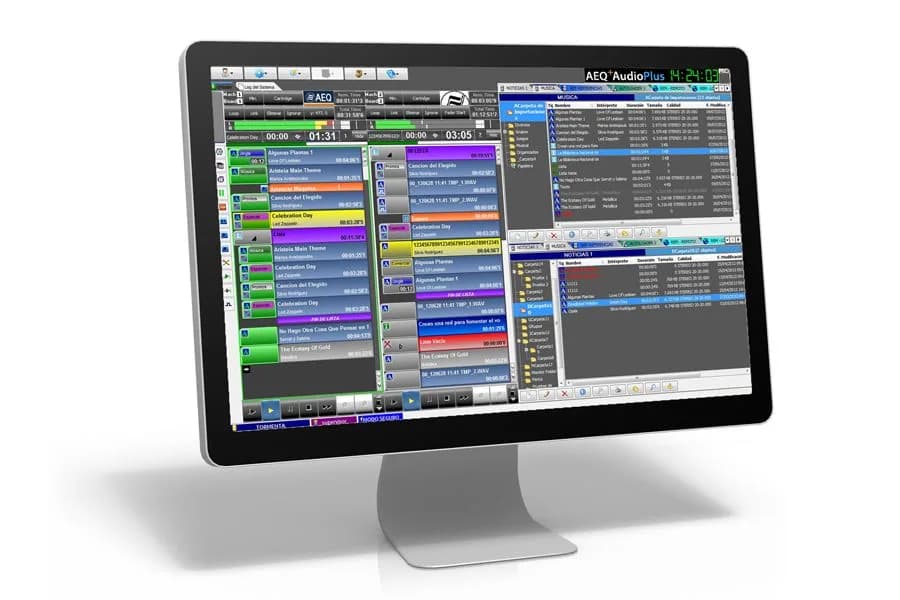
Can run on everything from standard computers to high-performance workstations. Using analogue, digital USB and AoIP audio cards.
Any audio file, list or text can be stored locally or on the network, classified in different types of managers.
Up to 4 independent broadcast machines with automation controls. Allows playlist and "instant play" mode.
Intuitive interface that keeps all relevant information visible without leaving the main window.
Professional automation within everyone's reach!
PDFCatalogSystem functionality
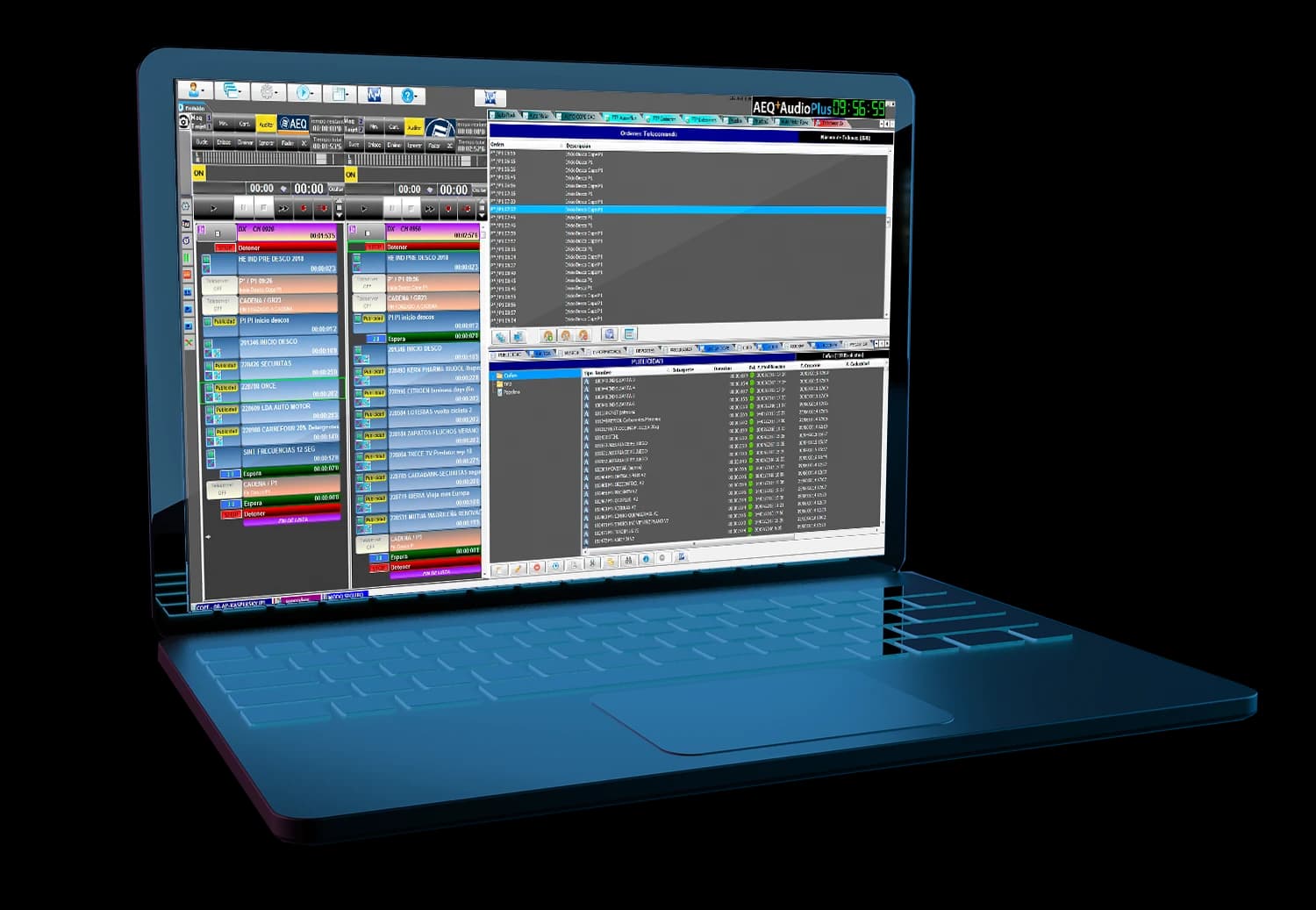
Generation of music and advertising blocks for automatic broadcasting.
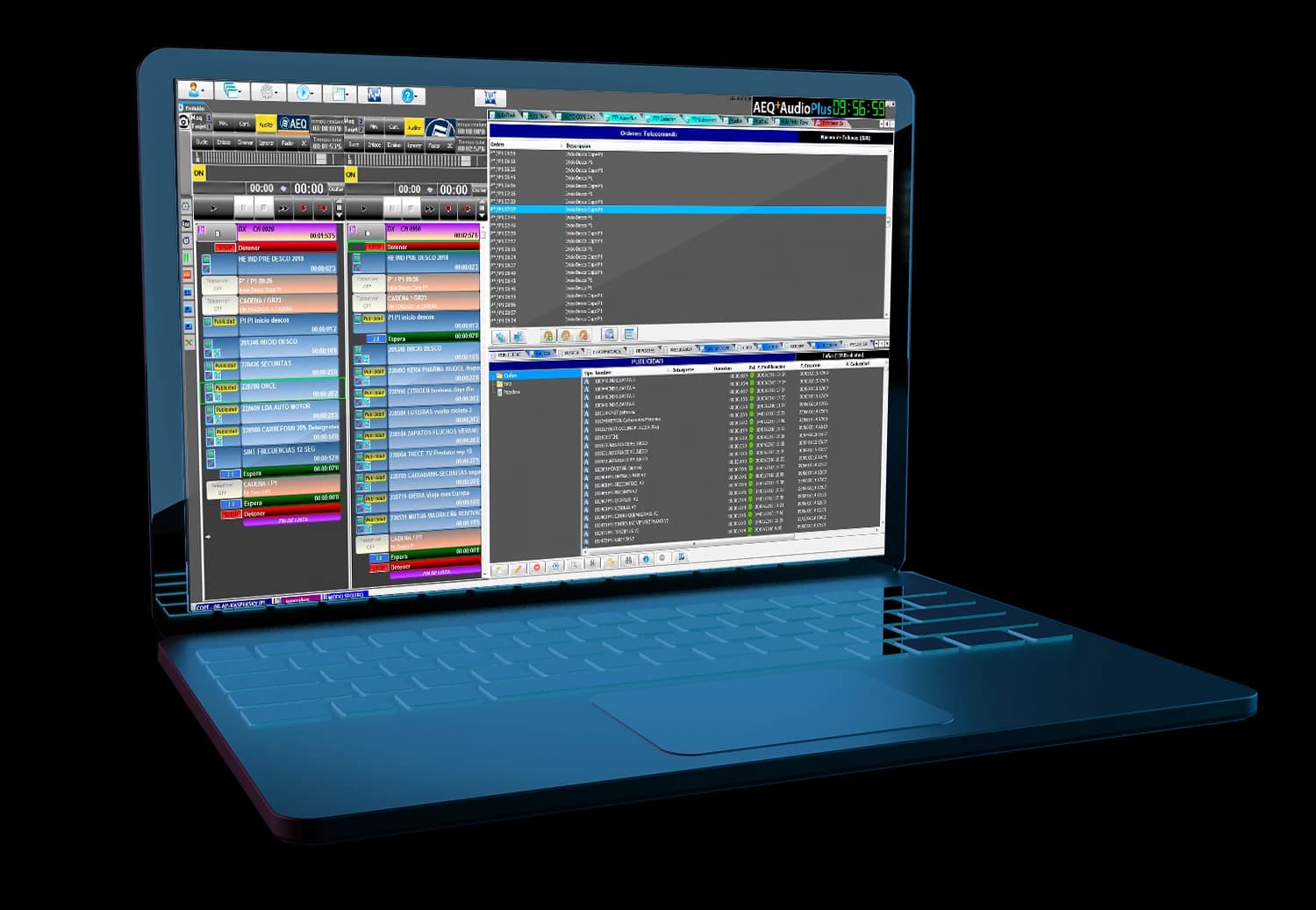
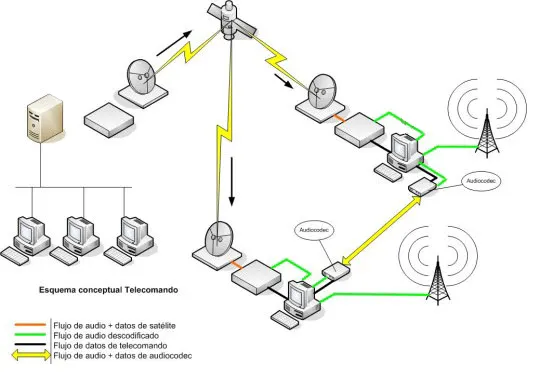
AudioPLUS allows to generate and recognise disconnections by means of decentralised commands via satellite or data channels.
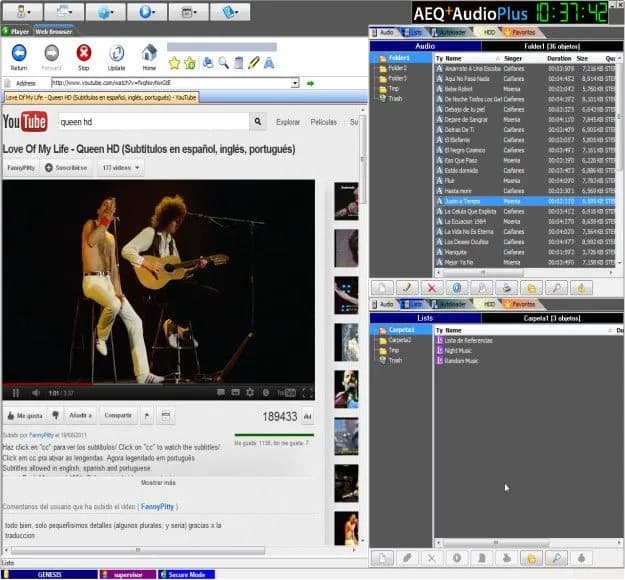
AudioPLUS integrates a web browser 100% compatible with all available communication components (Java, Flash) to easily generate text and audio.
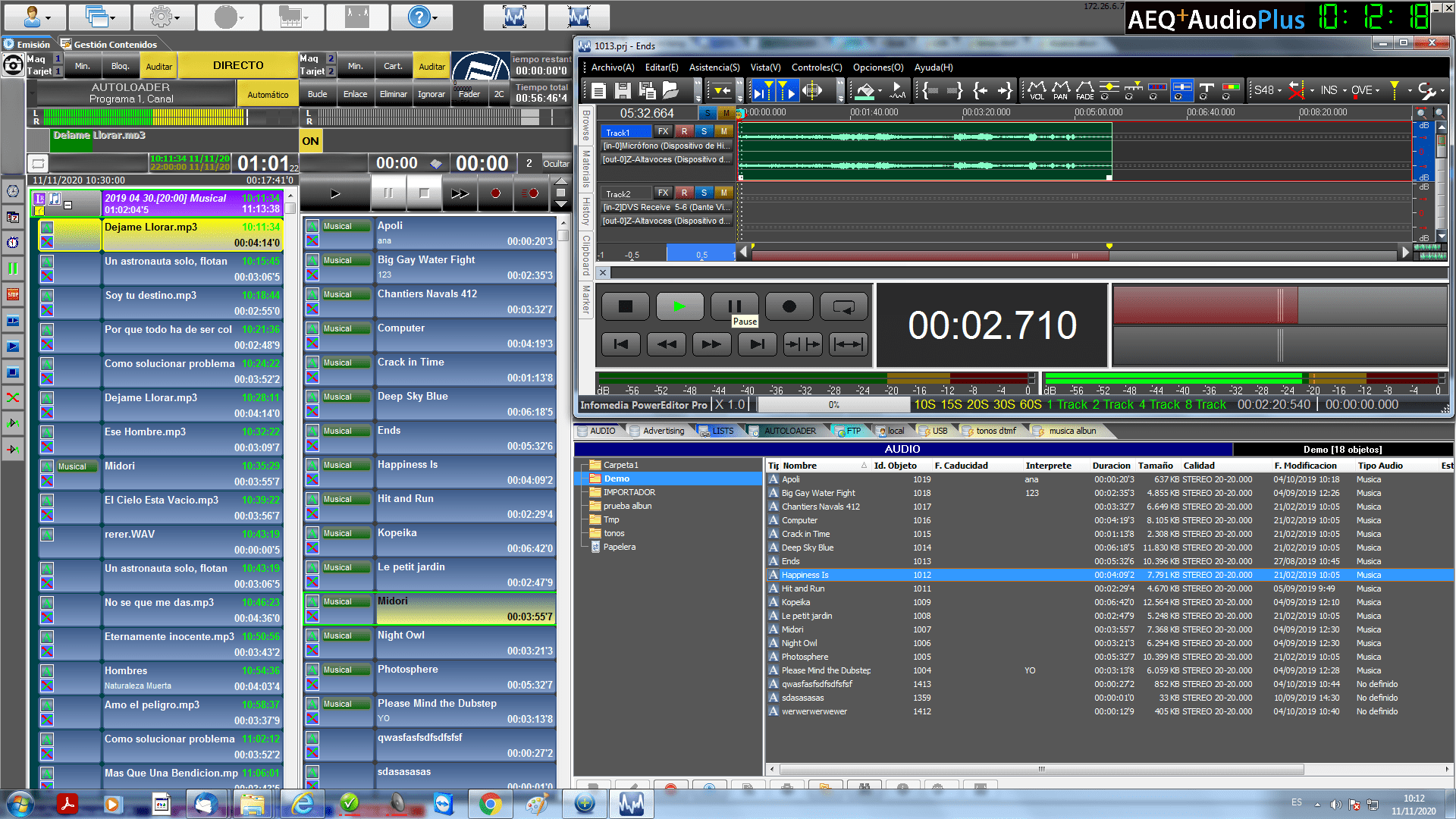
Realise your creations with multi-track tools thanks to the link to in-house (Power Editor) or external editors.
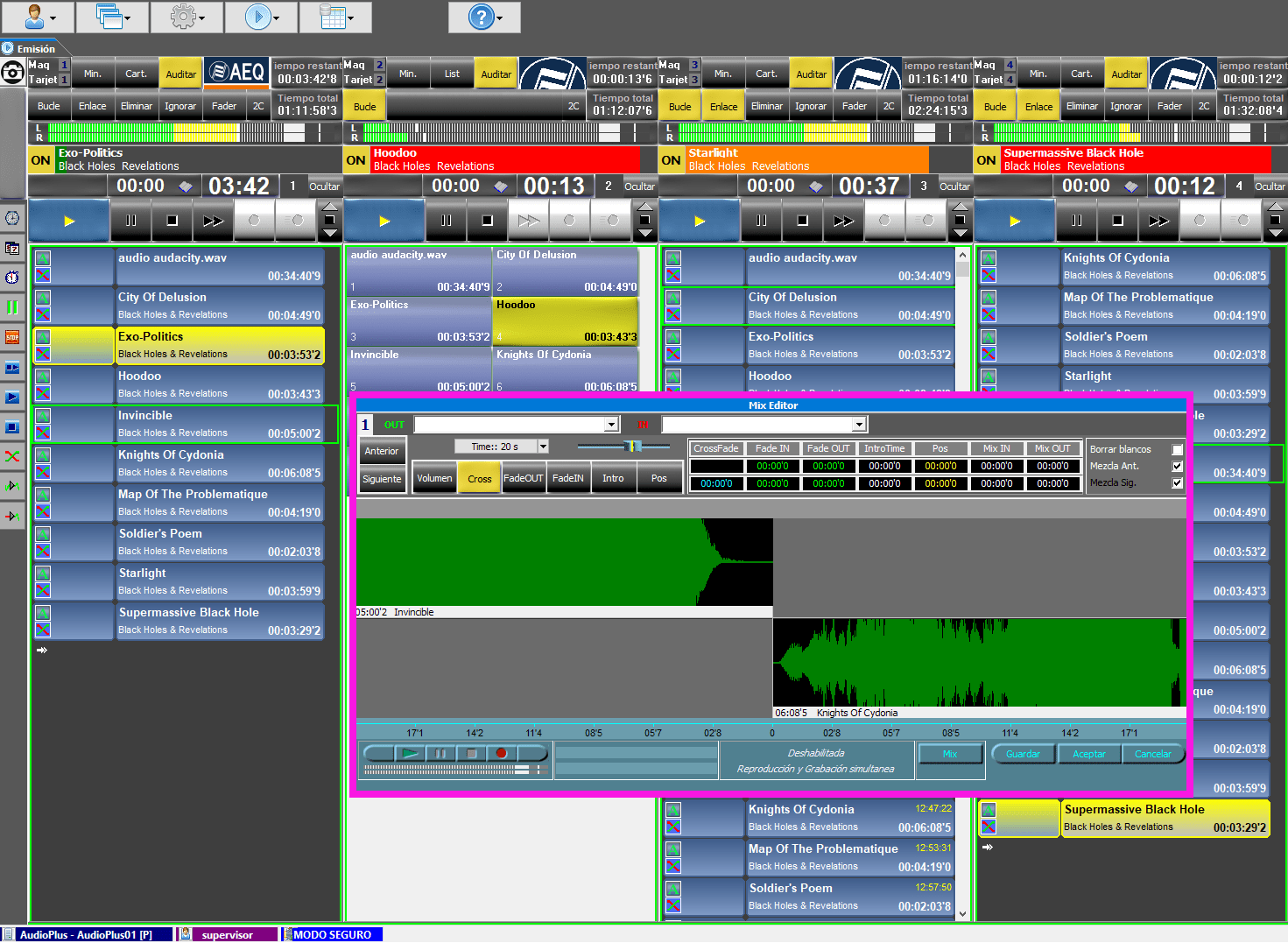
Agile and dynamic crossfade editor of all the objects in the playlist being broadcast.
Audio creation
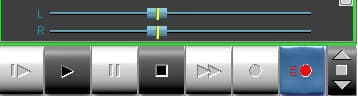
Creating audio objects is as simple as starting the recording from the playout machine.
Audio adjustment and fragmentation
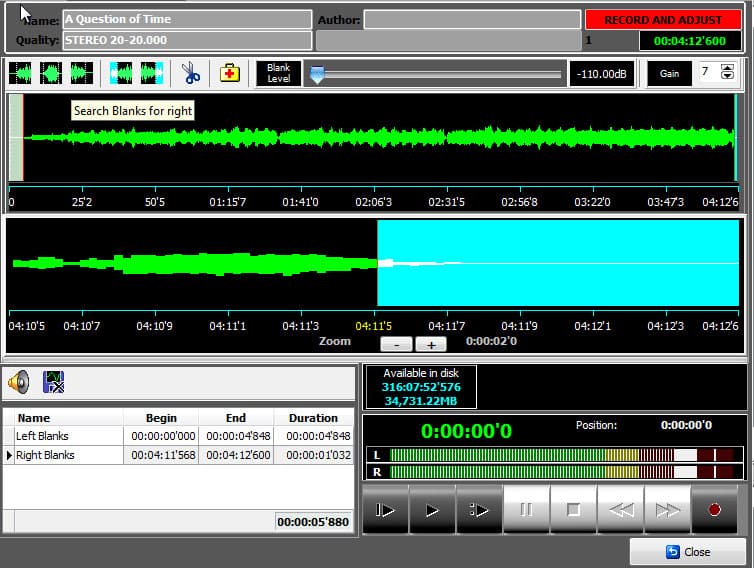
You can adjust the start and end of the audio or split it into different cuts.
User Interface
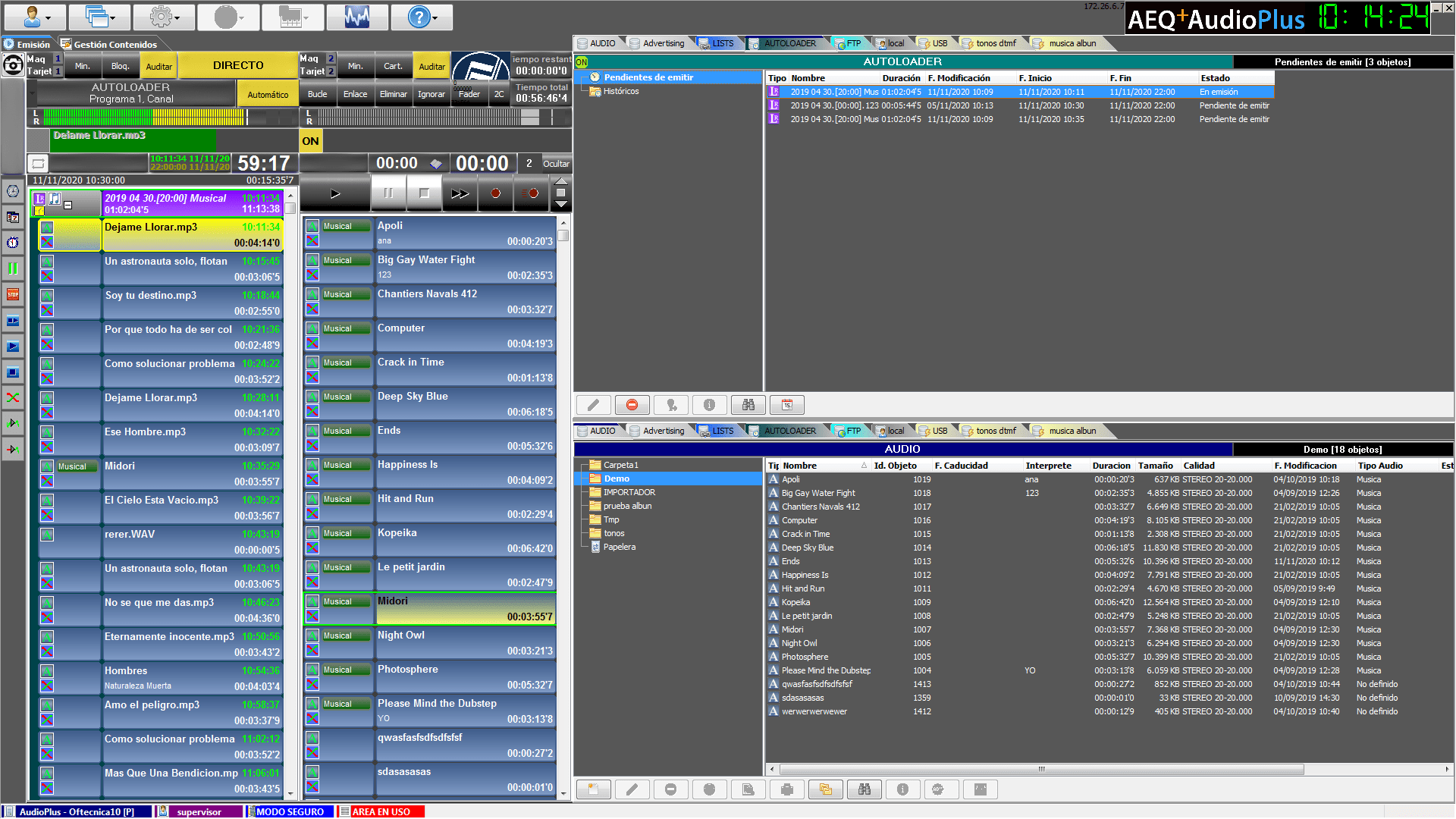
Advantages and Features
- Self-installing intuitive interface.
- Automatic scheduling system for music and advertisings.
- Unattended automatic play-out system.
- Graphical editing of transitions between music and presentation phrases.
- Manual play-out system by means of list and instantaneous key.
- Compatible with professional and low cost audio cards.
- Fast two-track audio editor.
- Includes Audacity free external editor and link to other high performance ones.
- Up to 4 play-outs per PC plus pre-listening.
- Edition and play-out of texts, even with embedded audio.
- Imports/Exports audio in many different formats.
- Support for remote network play-outs.
- Compatible with advertisement, music scheduling, contents extraction and legal copy systems.
- Software license control.
- Compatible with Microsoft Windows Operating Systems.
- SQL database, Desktop Engine and Professional versions.
- Possibility of play-out in safe-mode, network fail safe.
- Remote information exchange engine by means of FTP.
- Supports special functions by means of GPI and GPO.
- Time synchronization.
Downloads
Catalogs and technical documentation available for AudioPLUS.